
Description
The Custom Login Page Customizer for WordPress is a powerful plugin that allows website owners to design and personalize their WordPress login page with ease. Ideal for branding purposes or enhancing user experience, this plugin offers a drag-and-drop interface and real-time preview capabilities, enabling even non-developers to craft visually appealing login screens.
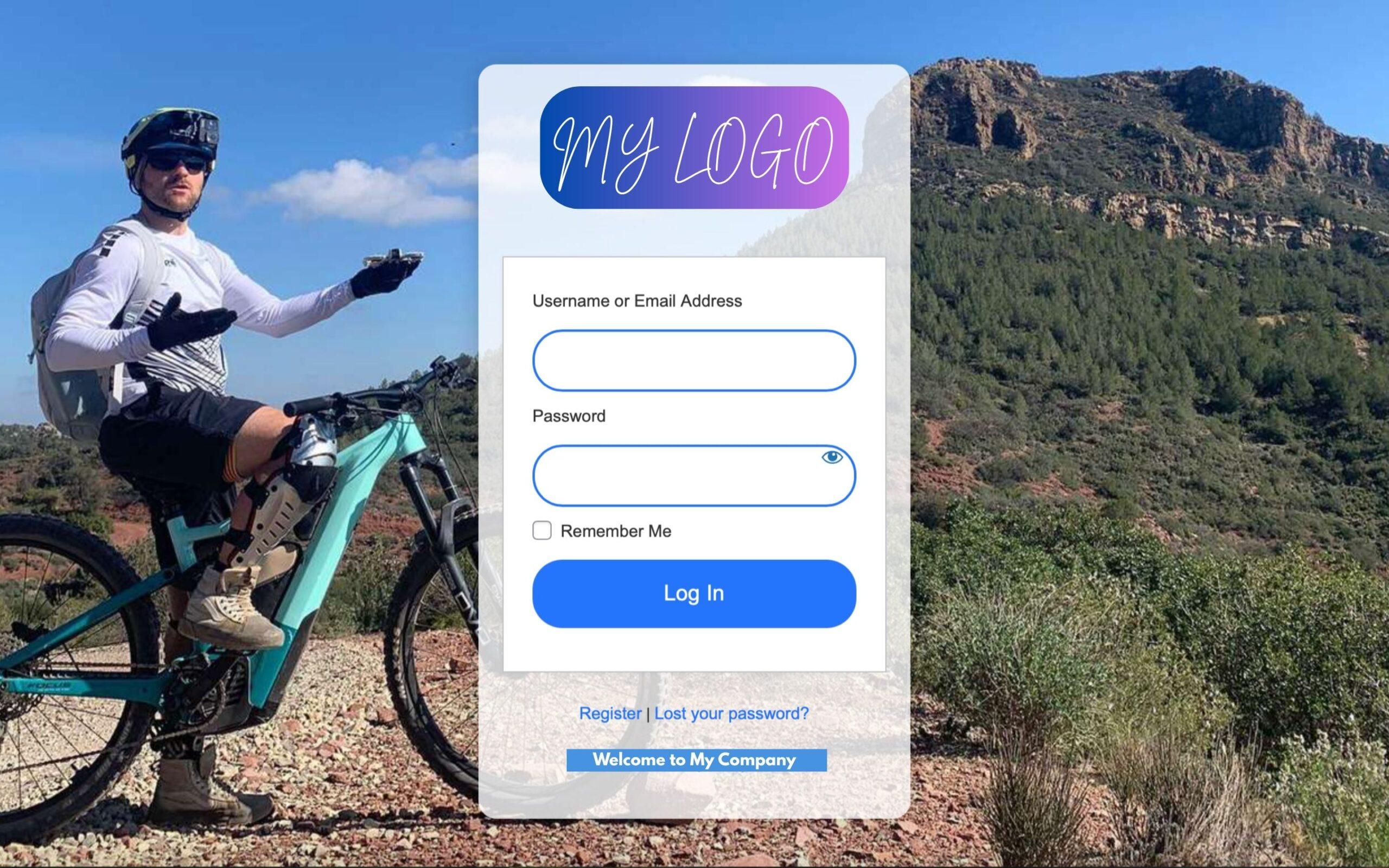
Whether you’re running a membership site, an online store, or a client-facing dashboard, having a customized login page helps create a consistent brand experience. With this plugin, you can add your own logo, background images, custom CSS, and even change the layout or color schemes to match your website’s branding. It seamlessly integrates with WordPress and doesn’t affect your site’s core files, ensuring security and stability.
Key Features:
- Live Preview Customizer with drag-and-drop functionality
- Logo upload and positioning options
- Background customization (images, colors, videos)
- Custom fonts and button styles
- Option to hide or customize error messages
- Mobile-responsive design
- Custom CSS support
- WooCommerce and membership plugin compatibility
- Multisite support
- Lightweight and optimized for performance
This plugin empowers WordPress users to take full control of their login interface, giving a polished, professional look to one of the most frequently visited pages on your site.
More Features:
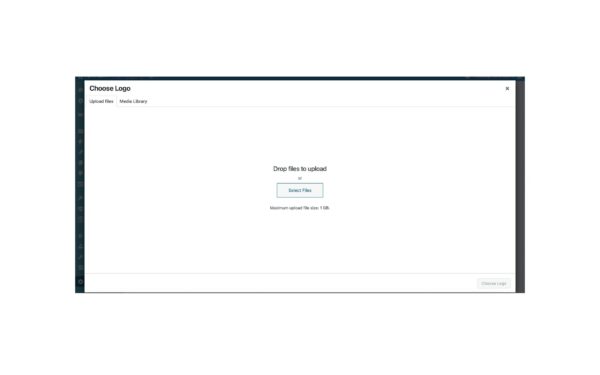
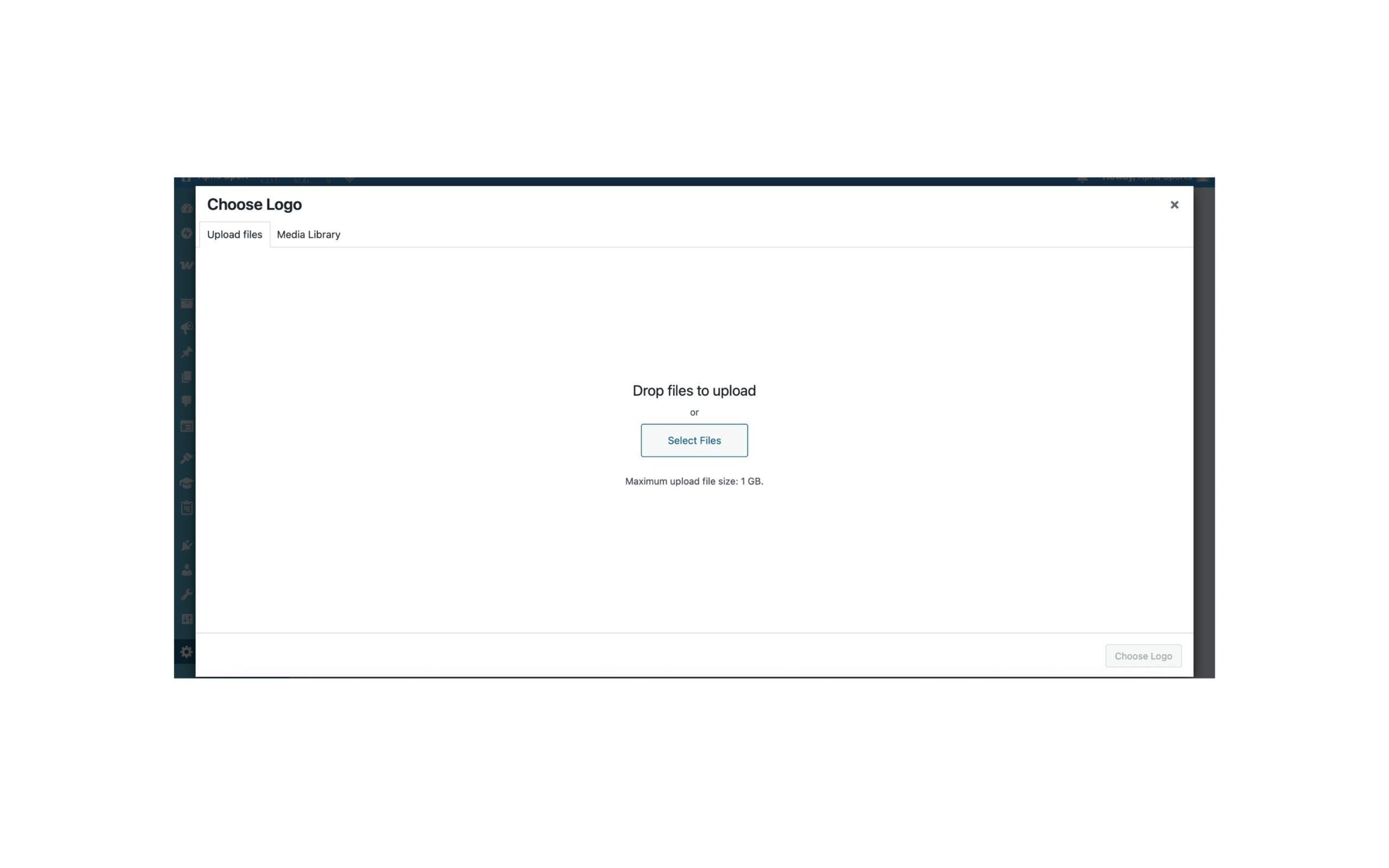
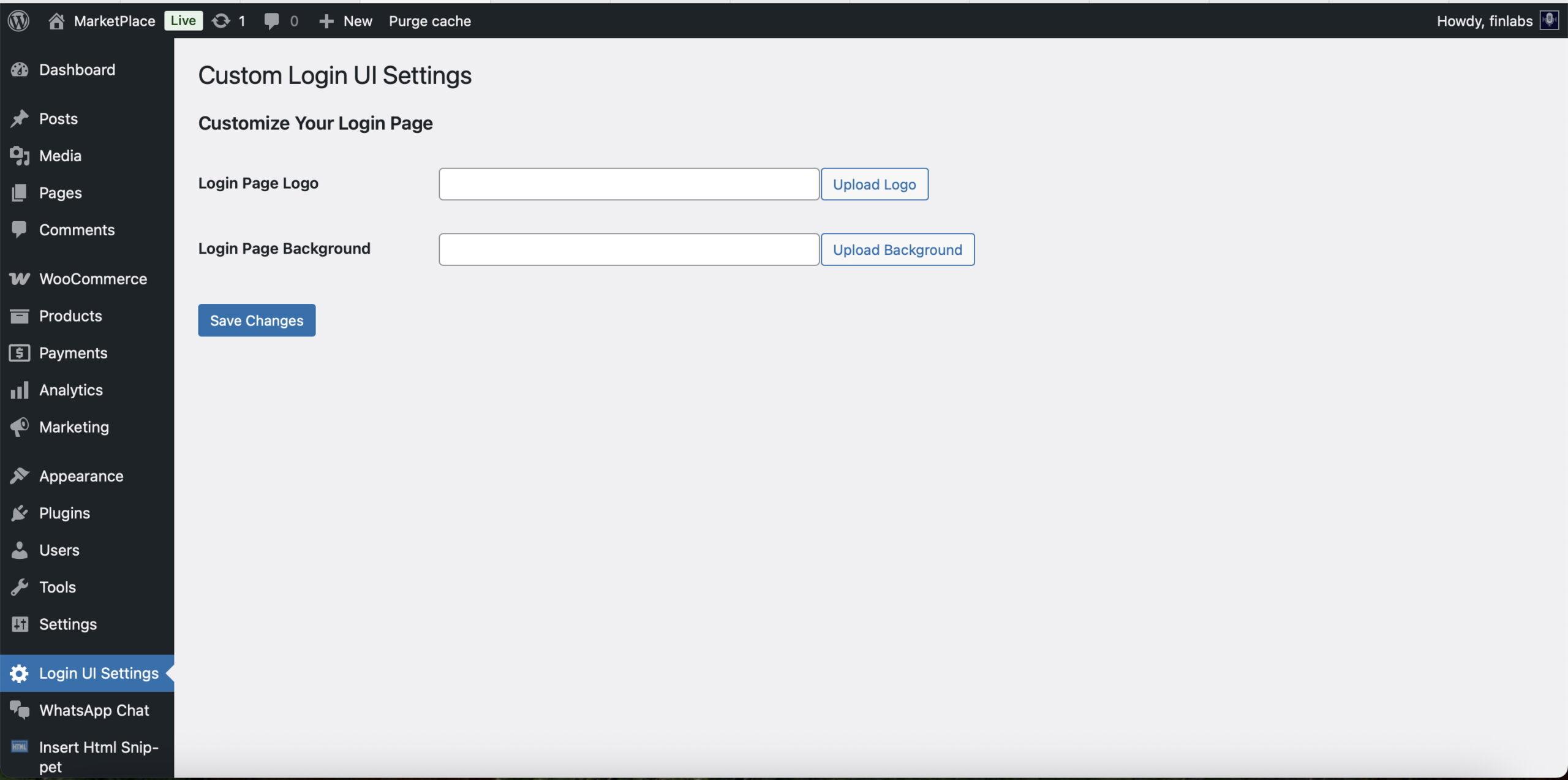
– Upload a custom logo for the login page.
– Set a custom background image or fallback to a gradient.
– Responsive design: fully mobile friendly.
– Easy-to-use admin settings page.
– Lightweight and no dependencies.
– Works with the default WordPress login screen.
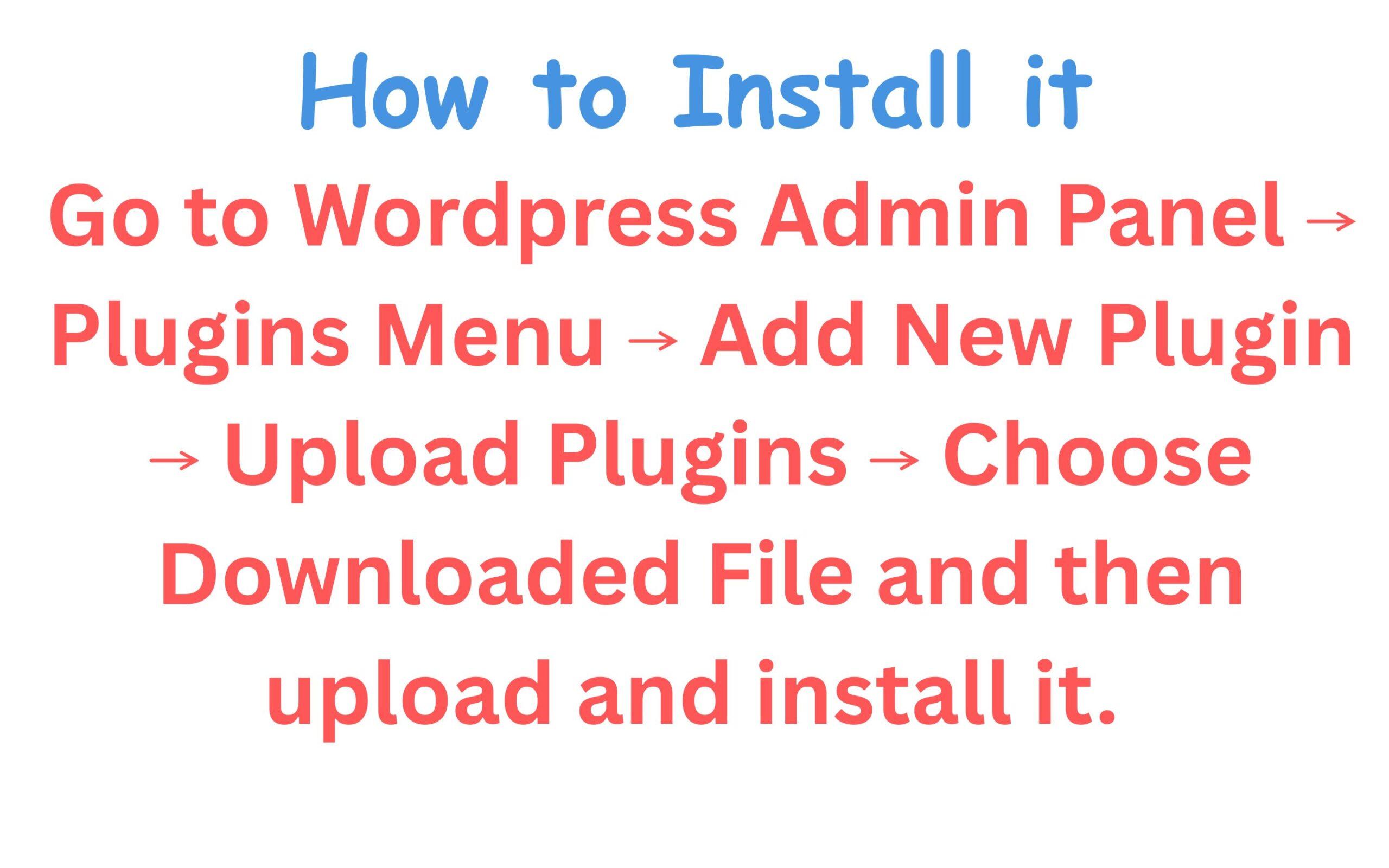
== Installation ==
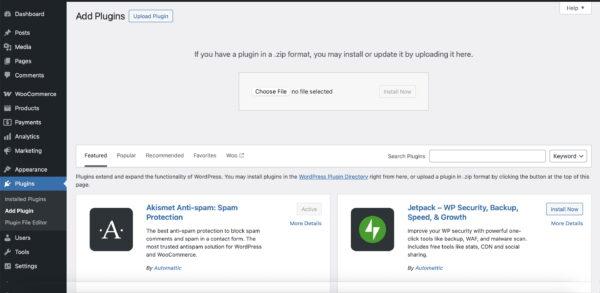
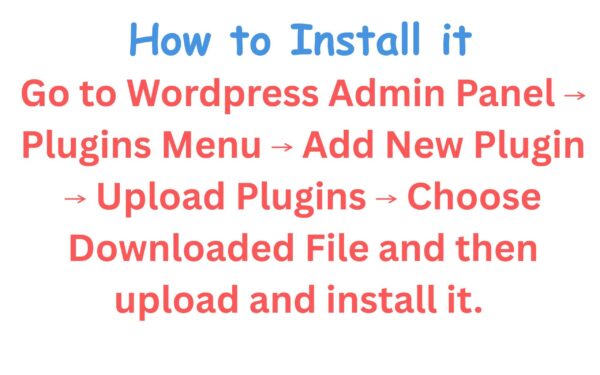
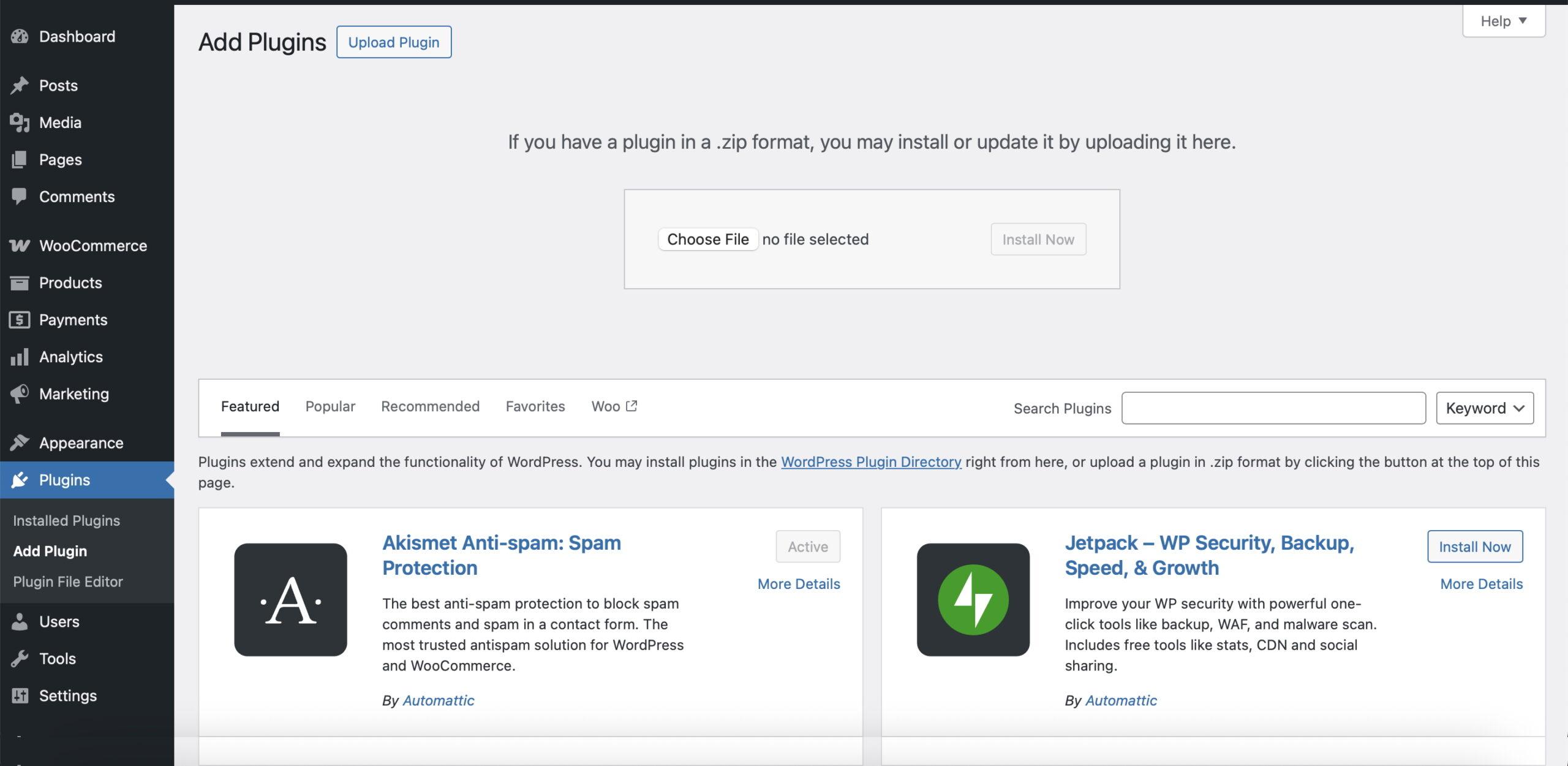
1. Upload the plugin to your `/wp-content/plugins/` directory or install via the WordPress admin dashboard.
2. Activate the plugin through the “Plugins” menu in WordPress.
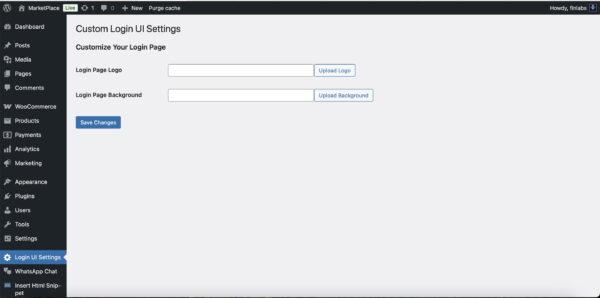
3. Go to **Login UI Settings** in the admin menu to customize your login page.
== Frequently Asked Questions ==
= Can I preview changes before they go live? =
Changes are applied immediately once saved. You can visit the login screen in a new incognito tab to see live changes.
= What image size is recommended for the login logo? =
A square image around 320x320px (PNG or SVG) is ideal.
= Can I remove the background image once it’s added? =
Yes, just clear the input field in the settings and save changes. It will fall back to a gradient background.
== Screenshots ==
1. Settings page in admin panel.
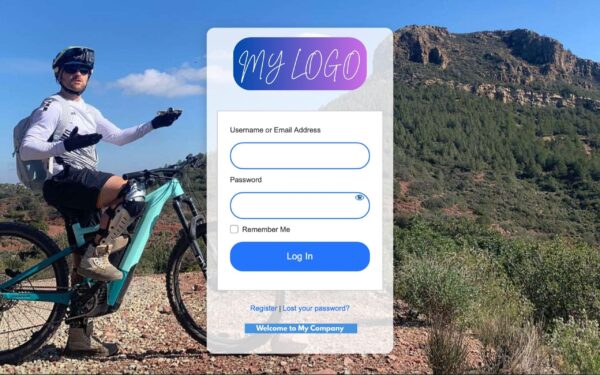
2. Customized login screen with logo and background.






Reviews
There are no reviews yet.