

Description
This plugin is a customizable floating WhatsApp chat icon for your WordPress website.
Features:
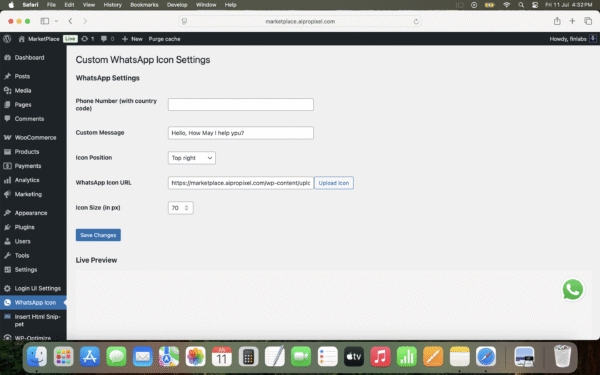
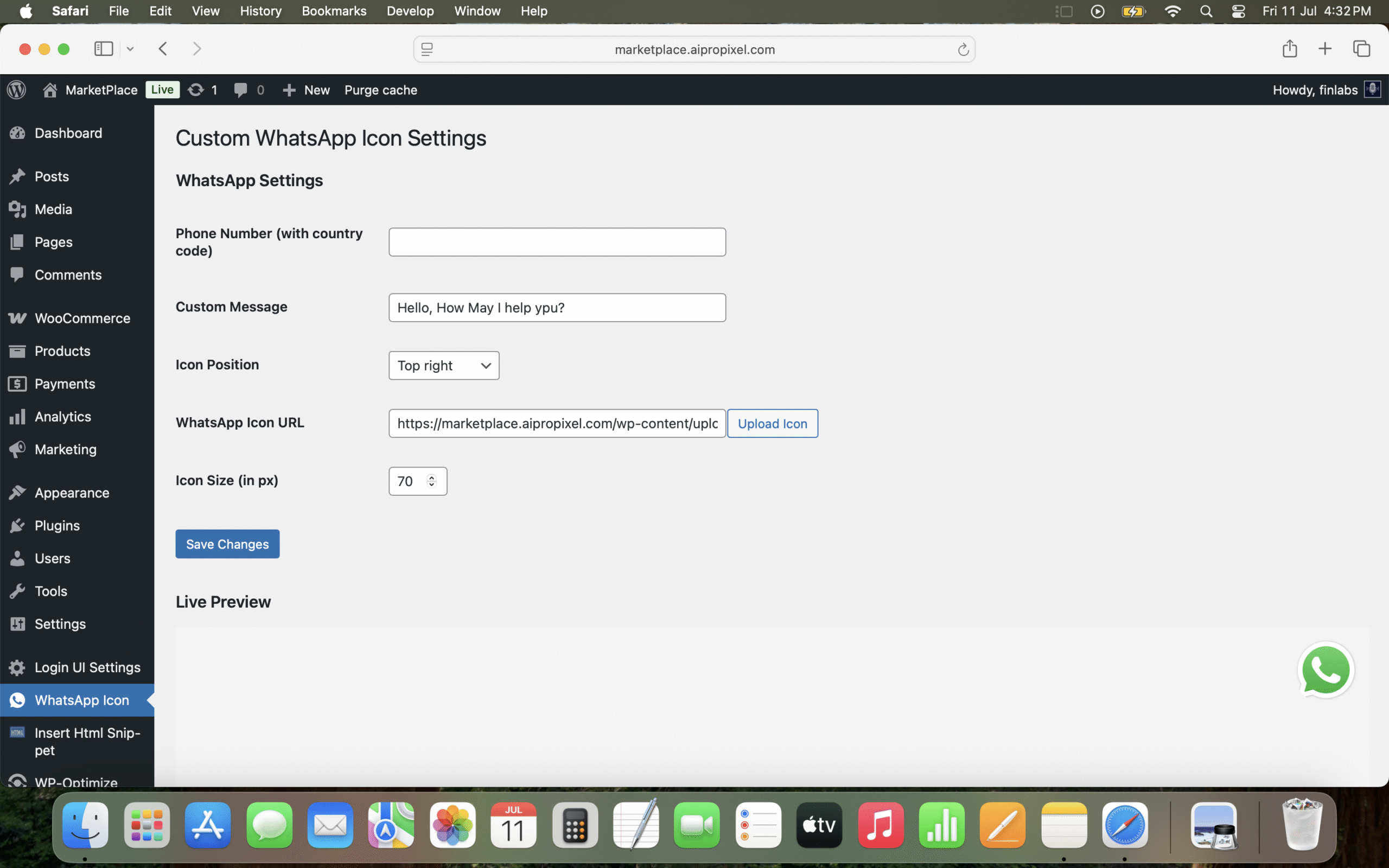
– Set icon position (top-left, top-right, bottom-left, bottom-right, middle-left, middle-right)
– Upload custom WhatsApp icon
– Adjust icon size
– Enter WhatsApp phone number with country code
– Set a custom WhatsApp message
– Live preview in admin panel
– Lightweight and responsive design
== Installation ==
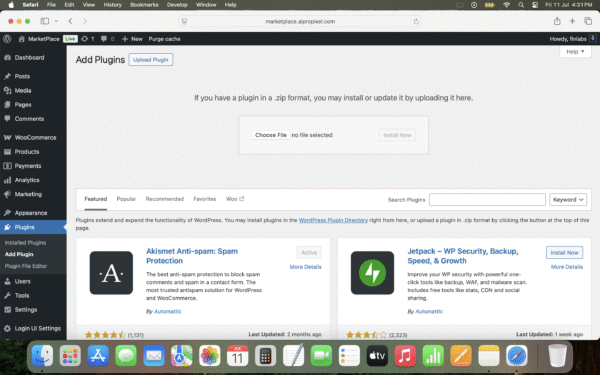
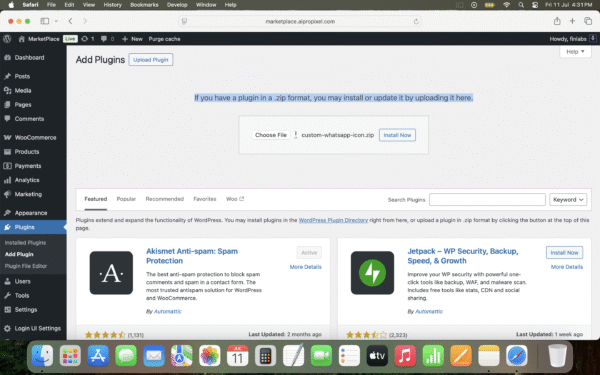
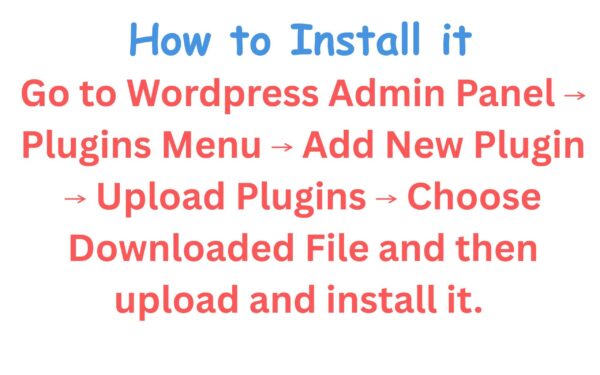
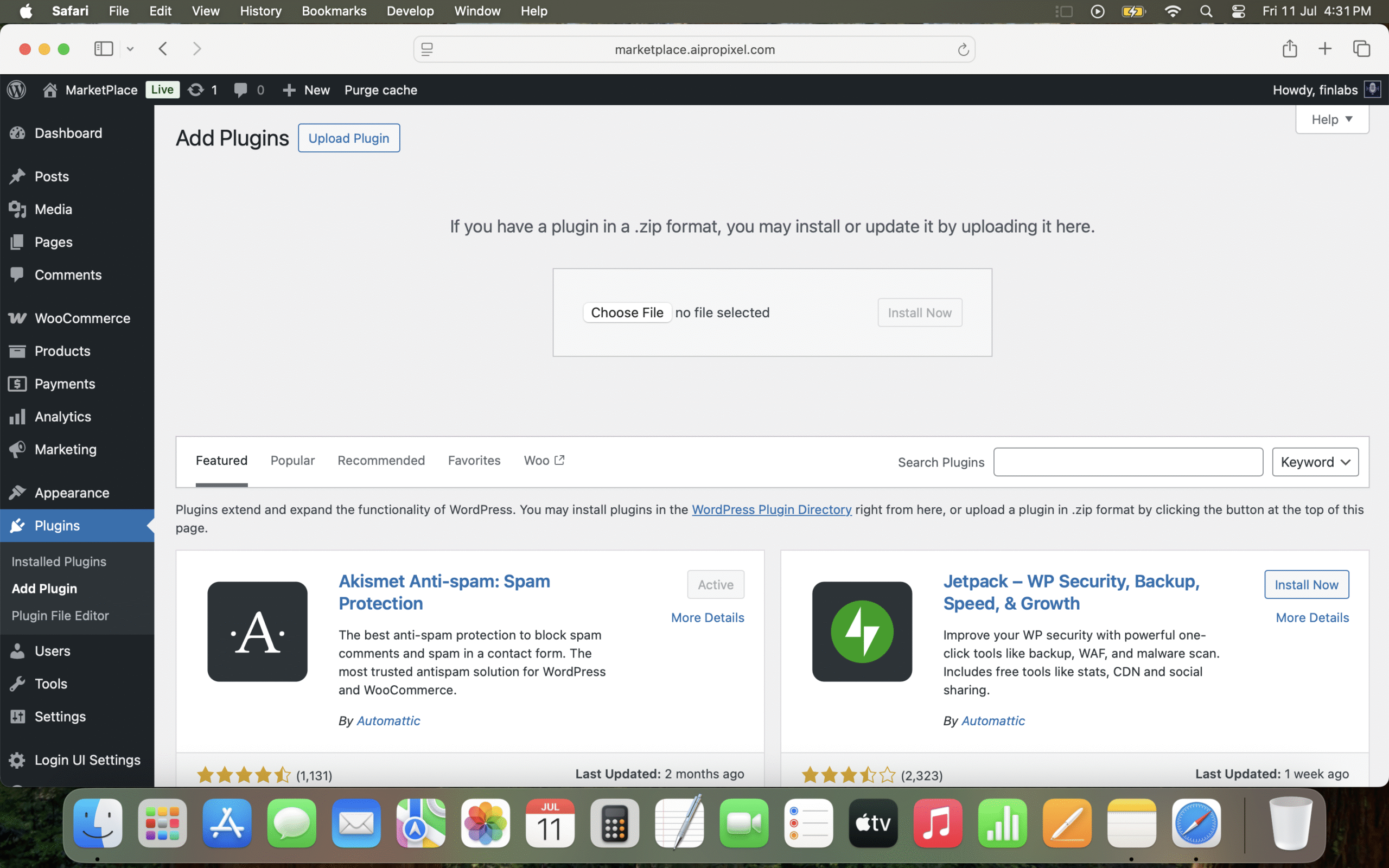
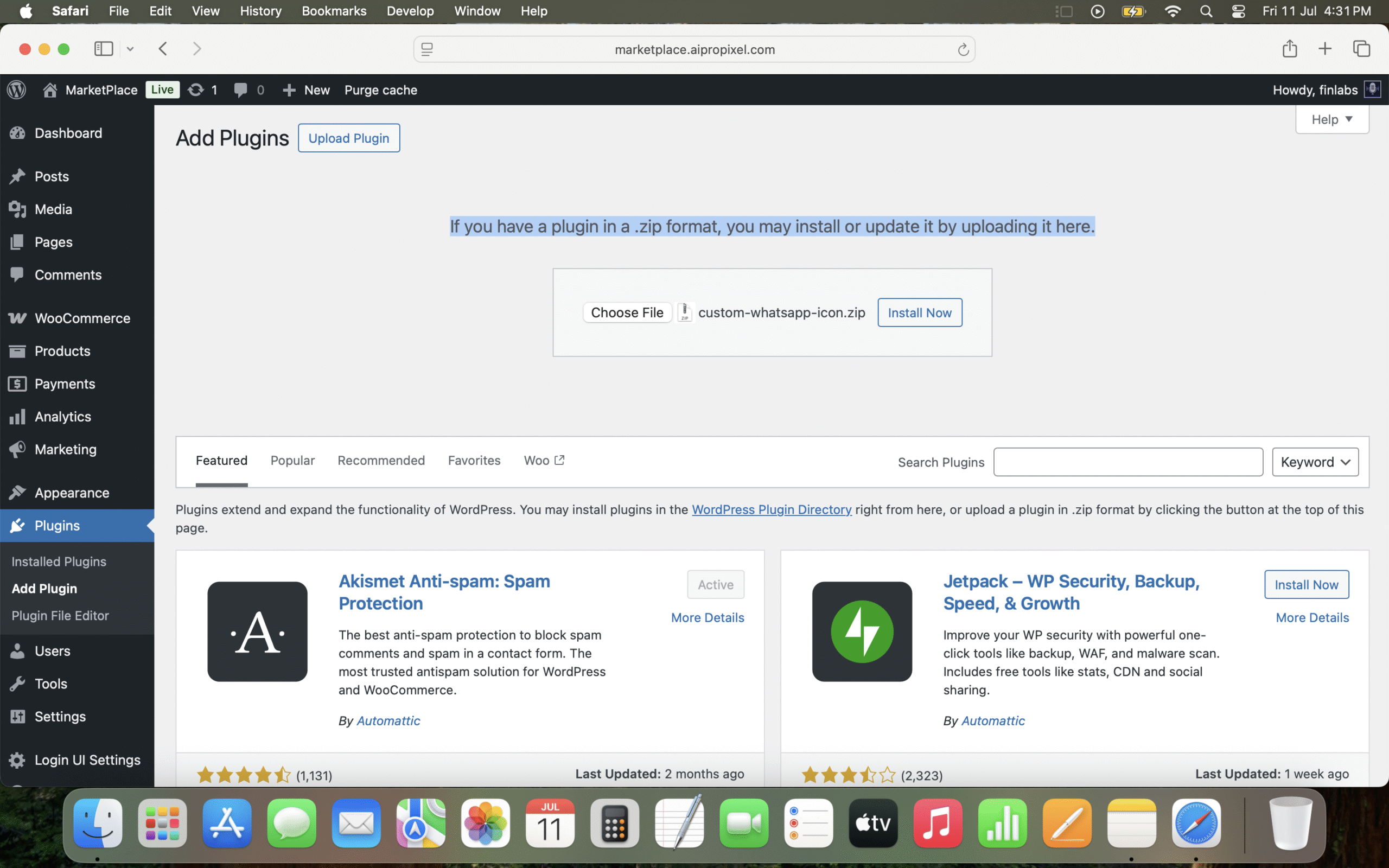
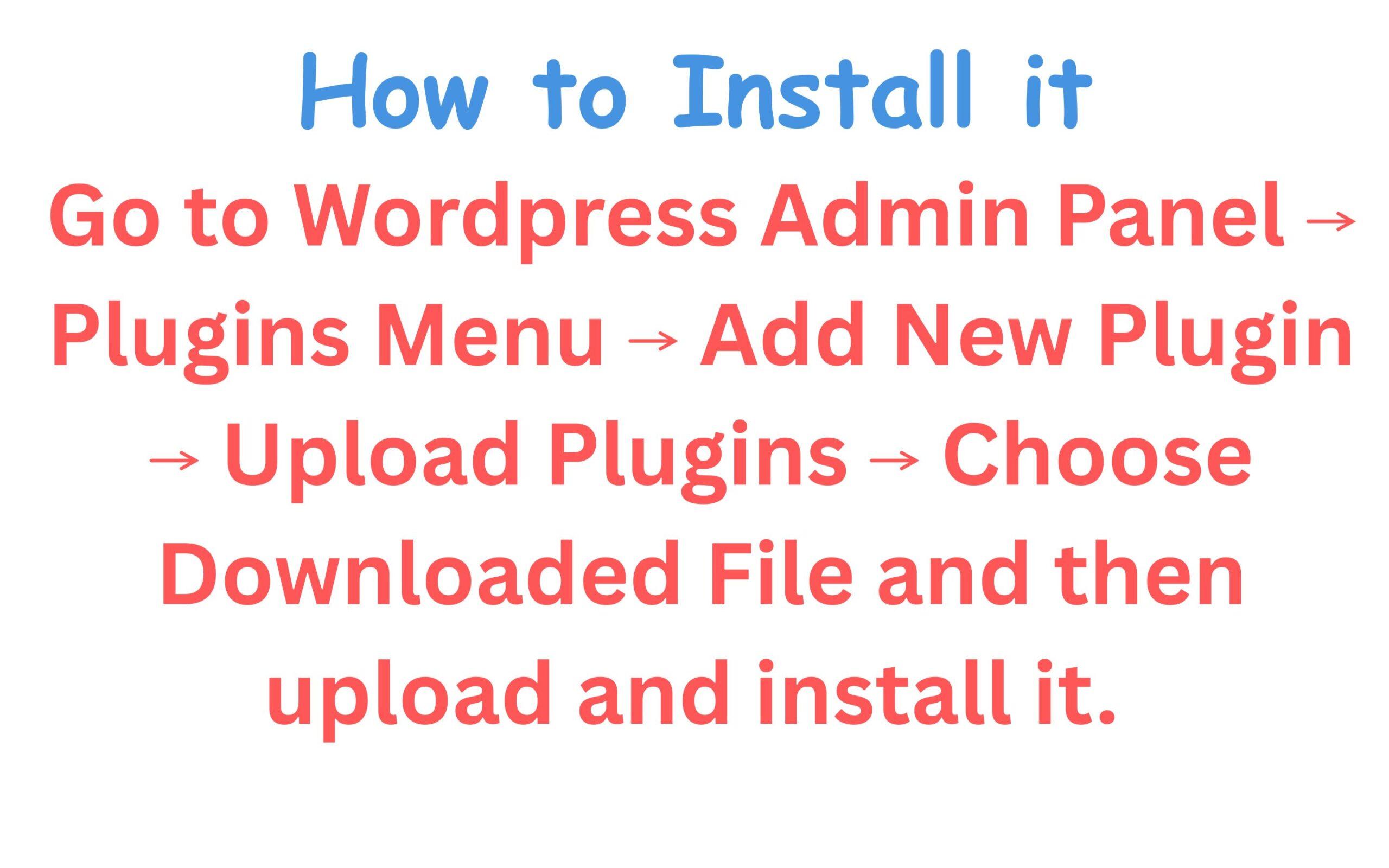
1. Upload the plugin files to the `/wp-content/plugins/custom-whatsapp-icon` directory, or install it via the WordPress Plugins screen.
2. Activate the plugin through the ‘Plugins’ screen.
3. Go to **Settings > WhatsApp Icon** to configure the plugin options.
== Frequently Asked Questions ==
= Can I use my own WhatsApp icon? =
Yes! You can upload a custom image/icon from the admin panel.
= Will this plugin slow down my site? =
No. It is lightweight and loads only on the frontend with minimal CSS.
= Is the message sent automatically? =
No, the user must click the icon and the WhatsApp app or site opens with your prefilled custom message.
== Screenshots ==
1. Admin panel with settings and live preview
2. Floating WhatsApp icon on the frontend





Reviews
There are no reviews yet.